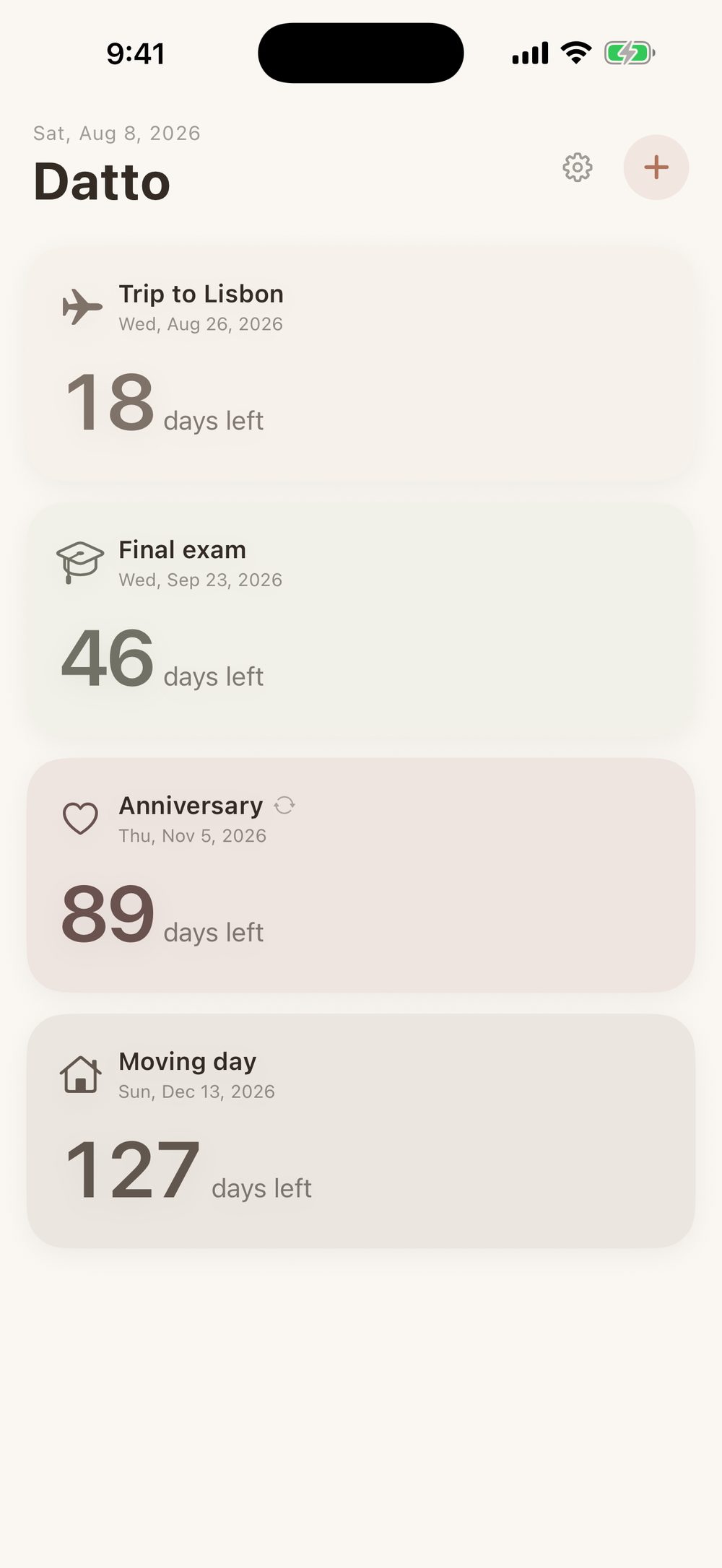
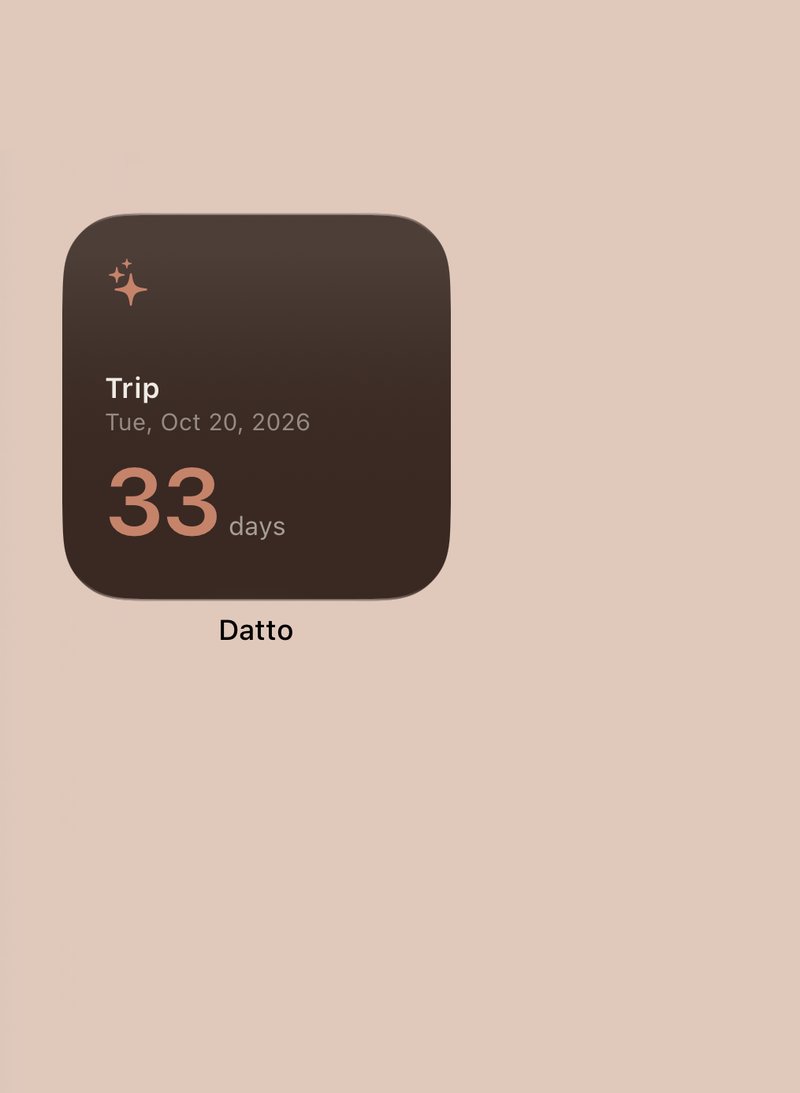
How to show a birthday or anniversary countdown on your iPhone Home Screen
Put the days left until a birthday, an anniversary or a trip on your Home Screen, and you no longer have to count — you see it every time you unlock your phone.
Here is how to do it with Datto, a countdown app for iPhone. One widget and three events are free.
1. Add the day
Open Datto and tap +.
Enter the Event name and Date, then tap Save.
Or let Datto fill it in:
“Choose from Contacts” — pick a birthday saved in your contacts.
“Choose from Calendar” — pick an event from the next year in your calendar.
Only the name and date are copied. Nothing from your contacts or calendar leaves your iPhone.
2. Put it on your Home Screen
Touch and hold an empty spot on your Home Screen.
Tap + (Edit) in the top-left and search for “Datto”.
Pick the Small size and tap Add Widget.
To choose which day it shows, touch and hold the widget, tap Edit Widget, then choose the event.
3. Make birthdays repeat every year (Pro)
With Datto Pro, set Repeat to “Every year”. After the day passes, the countdown rolls over to next year on its own — no need to edit the date. “Every month” works too.
Datto Pro is a one-time purchase, not a subscription. It also adds unlimited events and widgets, Medium, Large and Lock Screen widgets, and quiet milestone reminders (100 days before, the day before, the day itself — no sound).
Questions
What can I do for free?Up to three events, and one Small Home Screen widget showing one of them. No ads and no account. Datto Pro, a one-time purchase, adds unlimited events and widgets, Medium, Large and Lock Screen widgets, and repeating events.
Does it send my contacts or calendar anywhere?No. Only the name and date are copied into Datto, and nothing from your contacts or calendar leaves your iPhone.
Can a birthday count down again every year?Yes, with Datto Pro: set Repeat to “Every year” and the countdown rolls over to next year on its own.
How do I change which day the widget shows?Touch and hold the widget, tap Edit Widget, and choose the event.